 RevPulse
How to export Etsy reviews to CSV or Excel
Etsy shows reviews on every listing and shop page, but there is no "Export" button next to them. If you want reviews in a spreadsheet – to back them up, to read 300 of them quickly, or to study a competitor – you have three options. Here is what each one gives you and where it stops.
Option 1: Etsy's own download (your shop only)
Etsy lets sellers download their own shop's reviews. The path, per Etsy Help, is:
- Open Shop Manager.
- Go to Settings → Options.
- Open the Download Data tab.
- Under Take your data with you, choose Download Your Reviews.
You get a CSV file. This is the official record of your shop's reviews and it is free, so use it for backups.
Where it stops: it only covers your own shop. You cannot download another seller's reviews this way, there is no photo download, and there is no analysis.
Option 2: Copy and paste
For 10–20 reviews, selecting the text on the page and pasting into a sheet works. It breaks down fast: Etsy paginates reviews, dates come in your browser's language, and ratings are shown as stars rather than numbers, so you end up retyping them.
Option 3: A browser extension (any listing or shop)
A review exporter reads the reviews that are already public on the page you have open and saves them as a file. RevPulse is one of these. It works on any listing page (etsy.com/listing/…) or shop page (etsy.com/shop/…), including competitors'.
Step by step with RevPulse
- Add RevPulse to Chrome (free).
- Open the Etsy listing or shop whose reviews you want.
- Click the RevPulse icon in the toolbar. A side panel opens next to the page.
- Optional: pick a filter – all reviews, only 1–3★, only 4–5★, or only reviews with photos.
- Click Extract & Analyze Reviews. RevPulse pages through the reviews for you.
- Click Export CSV, Copy for Excel (paste straight into Excel or Google Sheets) or Export JSON.
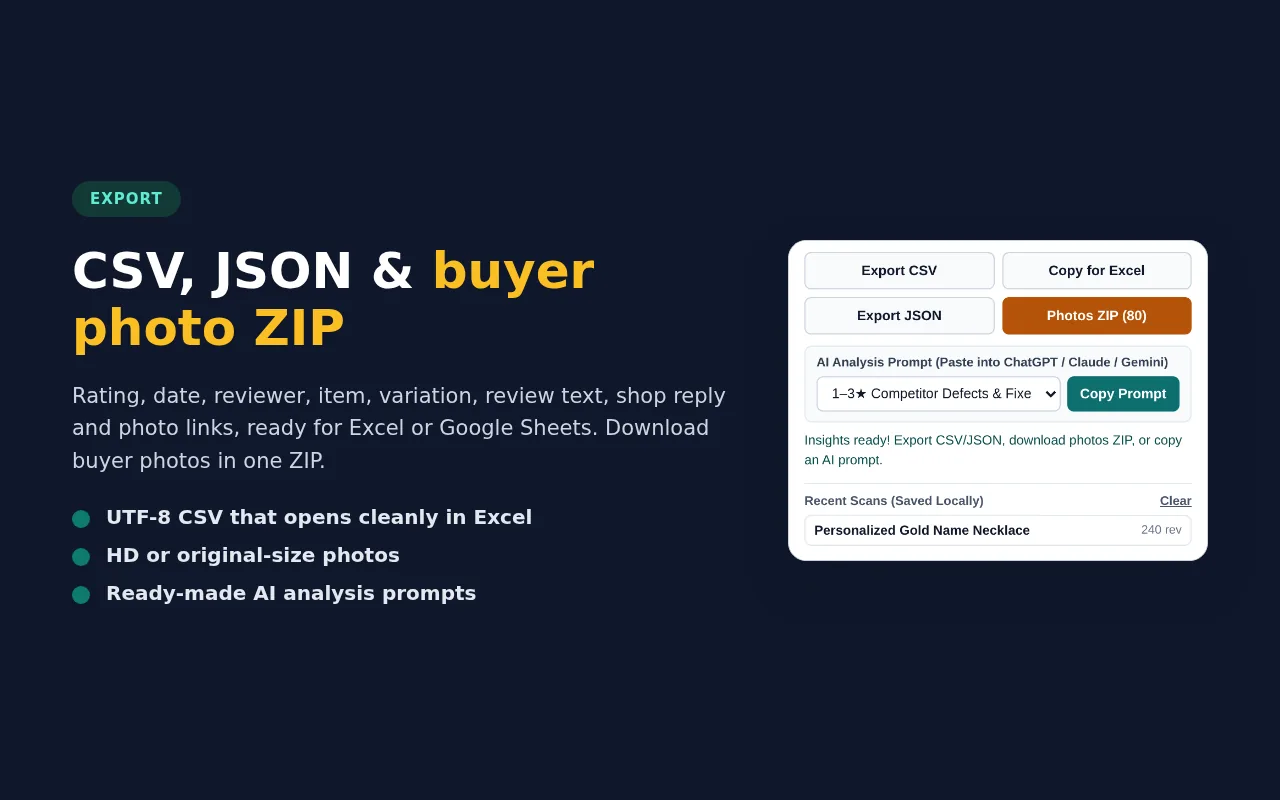
What columns you get
| Column | Example |
|---|---|
| Rating | 2 |
| Date | 2026-10-14 (always YYYY-MM-DD, whatever language Etsy shows) |
| Reviewer | Buyer display name |
| Item Title | Useful on shop pages, where reviews cover many items |
| Variation | Length: 18 inch |
| Review Text | The full review |
| Shop Reply | The seller's public answer, if any |
| Buyer Photo URLs | Links to the review photos |
| Page URL | Where the review came from |
The CSV is UTF-8 with a byte-order mark, so Excel opens accented and non-English text correctly, and cells that start with =, + or - are escaped so a review can't run as a formula.
Free vs Pro
Free exports up to 50 reviews per scan. Pro ($19 once, no subscription) raises that to 2,500 reviews per scan. For most single listings, free is enough to try it.
Which option should you use?
| You want to… | Use |
|---|---|
| Back up your own shop's reviews | Etsy's Download Your Reviews (free, official) |
| Read a competitor's reviews in a sheet | An extension such as RevPulse |
| See what 1–3★ buyers complain about | RevPulse's pain-point words, or this guide |
| Get the buyer photos too | Download Etsy review photos |
| Pull thousands of shops on a schedule | Etsy's Open API or a cloud scraping service (needs setup or code) |
Is it allowed?
RevPulse only reads reviews that any visitor can already see, on the page you open, when you click the button. It does not log in to Etsy as you, and nothing is sent to our servers. If you store or share the data, follow Etsy's terms and privacy law: keep reviewer names out of anything you publish, and don't use the file to contact buyers.
Try RevPulse free
The free version exports 50 reviews and 10 buyer photos per scan, no sign-up. Upgrade to Pro ($19 one-time) when you need more.
EARLYBIRD (normally $19 · first 30 buyers · until Dec 31, 2026).