 RevPulse
How to download Etsy review photos in bulk
Buyer photos are the most honest product shots on Etsy. They show the real color, the real size on a wrist or a wall, and the packaging as it arrived. Etsy has no button to save them all, and right-clicking dozens of thumbnails gets you small, low-resolution copies. Here is how to get all of them at once.
The quick way: a photo ZIP
- Install RevPulse (free) and open the Etsy listing or shop.
- Click the RevPulse icon to open the side panel.
- Set Review Filter to With Buyer Photos Only if you only care about photo reviews.
- Choose ZIP Photo Quality: Standard HD (794 px, fast and small) or Original Full-Res (largest file Etsy has).
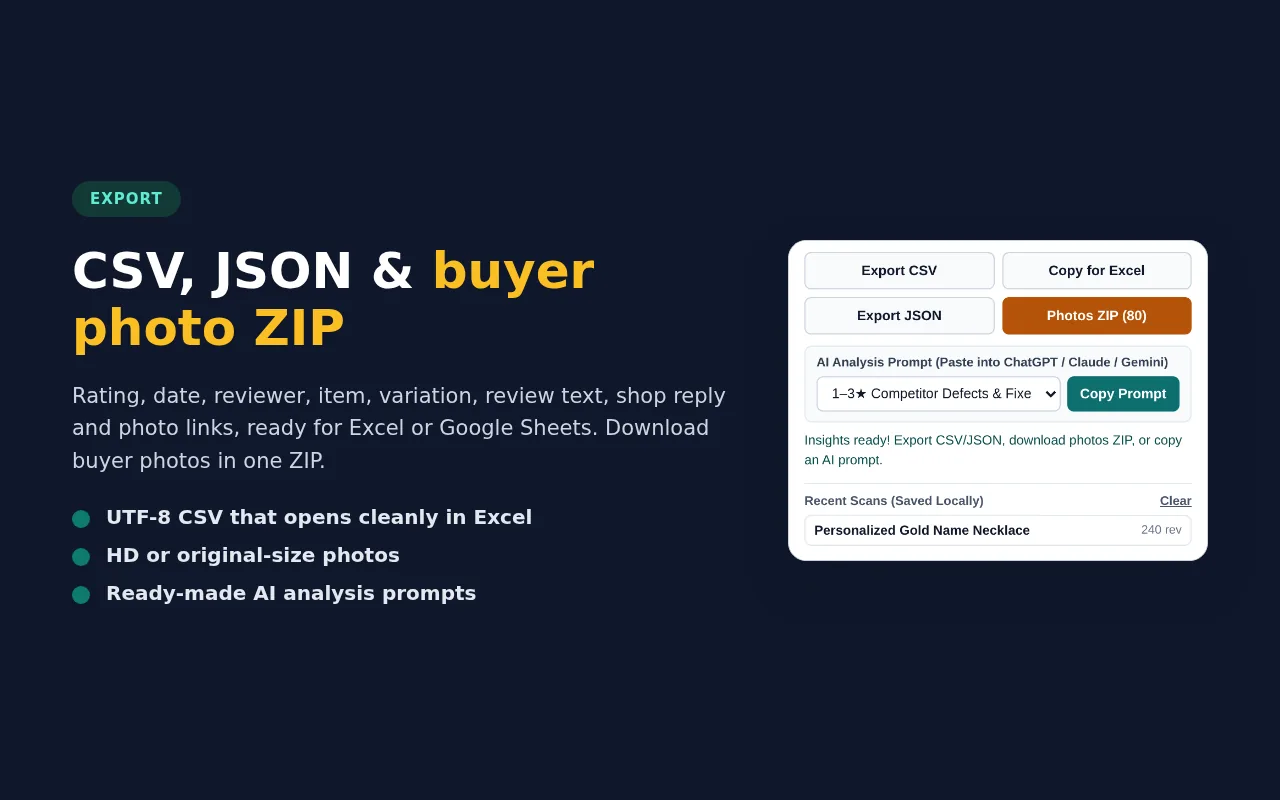
- Click Extract & Analyze Reviews, then Photos ZIP.
The ZIP lands in your Downloads folder. Large sets are split into volumes of 80 photos so the browser doesn't run out of memory; you'll see "ZIP part 1/3" and so on.
Limits
- Free: 10 photos per scan – enough to check it works on your listing.
- Pro ($19 once): the full photo ZIP, up to 500 photos per scan.
The CSV export also includes a Buyer Photo URLs column, so you can match each photo to its review text and rating.
What sellers use review photos for
- Quality checks on a competitor's product. Sort photos by the review's star rating. Photos attached to 1–3★ reviews often show the defect: a bent clasp, a smudged print, a crushed box.
- Real-world size and color references when you design a similar item or brief a supplier.
- Your own shop: collect your customers' photos to see which variations people actually photograph and share.
Copyright: buyer photos belong to the buyers who took them. Use them for research. Don't repost them in your listings or ads without permission.
Doing it by hand
If you only need two or three photos: click the photo in the review to open the larger view, then right-click → Save image as. For anything more, the ZIP is faster and keeps the full resolution.
Related: export the review text to CSV · find product gaps in 1–3★ reviews
Try RevPulse free
The free version exports 50 reviews and 10 buyer photos per scan, no sign-up. Upgrade to Pro ($19 one-time) when you need more.
EARLYBIRD (normally $19 · first 30 buyers · until Dec 31, 2026).